

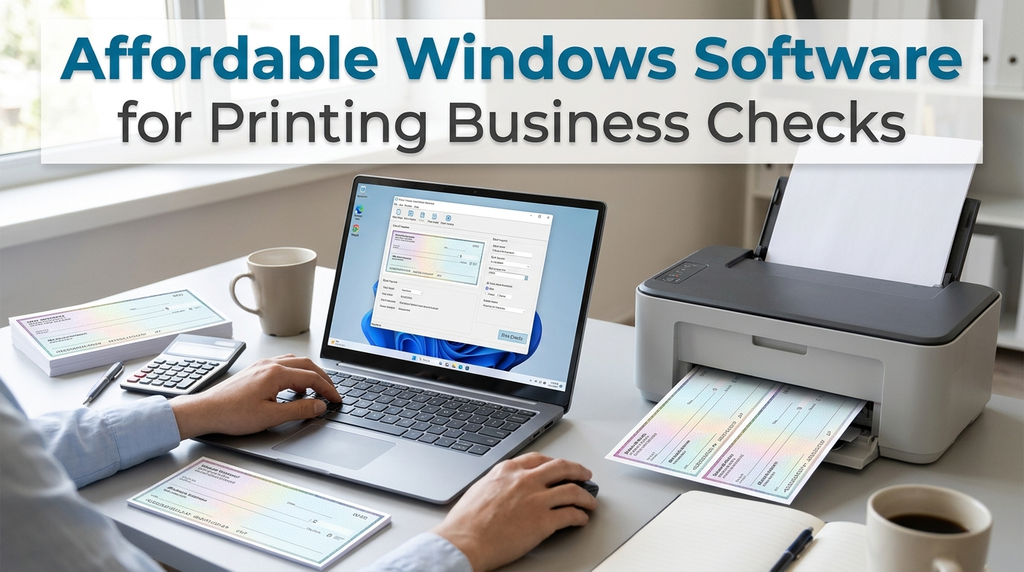
Managing business payments requires accuracy, organization, and a reliable way to prepare checks. Whether you run a small business, manage contractors, or regularly pay vendors, printing checks in-house can make payment management more convenient. Instead of relying entirely on preprinted checkbooks or expensive services, businesses can use Windows check printing software to prepare checks whenever needed.
With OwnChecks, businesses can print their own checks using a Windows desktop application. The software requires a one-time payment, allowing users to avoid recurring subscription costs. It also keeps checks, payees, and payment records on the local computer rather than automatically uploading them online. In this guide, we’ll explore how affordable check printing software can simplify business payments and what features to consider when choosing a solution.
Why Businesses Need Check Printing Software
Many businesses still use checks to pay suppliers, contractors, employees, and service providers. However, manually preparing checks or repeatedly ordering printed checkbooks can become inconvenient.
Business check printing software provides a more organized way to prepare payments. Users can enter payment information, select payees, and print checks directly from their computers.
For small businesses, having this capability in-house can help save time and make routine payment tasks easier to manage.
What to Look for in Affordable Windows Check Printing Software
Not all check printing programs offer the same features. Before choosing software, consider the following factors:
1. Easy Check Preparation
The software should make it simple to enter payment details and prepare checks. A straightforward interface can help reduce unnecessary steps and make check printing easier for everyday business use.
2. Payee Management
Businesses often make payments to the same vendors and contractors. Software that allows users to save payee information can make repeated payments more convenient by reducing the need to enter the same details each time.
3. Local Data Storage
Financial information deserves careful attention. Some business owners prefer desktop applications that keep their checks, payees, and payment records on their own computers.
OwnChecks stores this information locally on the user’s PC rather than automatically uploading it to an online account. This gives users greater control over where their payment records are maintained.
4. One-Time Purchase Instead of Monthly Fees
Recurring software subscriptions can add to business operating expenses. Choosing a check printing application with a one-time purchase model can help businesses avoid ongoing software subscription payments.
OwnChecks uses a one-time payment model, making it an option for users who prefer purchasing desktop software rather than paying monthly fees.
Benefits of Printing Business Checks In-House
Using Windows check printing software can offer several practical advantages:
- Better convenience: Prepare checks from your office without waiting for externally ordered checkbooks.
- Cost control: A one-time purchase option can help avoid recurring software subscription fees.
- Organized records: Keep track of saved payees and payment information.
- Greater control: Manage check preparation directly from your own computer.
- Flexible printing: Print checks whenever business payment needs arise.
These benefits can be especially useful for small businesses that regularly handle vendor payments and other transactions.
Is Desktop Check Printing Software Secure?
Security is an important consideration when handling financial information. Business owners should choose software that suits their data privacy preferences and take steps to protect their computers.
Keeping checks and payment records on a local computer can reduce the need to upload this information to an online service. However, local storage does not eliminate security risks. Users should maintain updated operating systems, use strong passwords, and protect their computers from unauthorized access.
OwnChecks is designed as a Windows desktop application that stores checks, payees, and records on the user’s PC. It also provides an optional Mail-a-Check service for users who want OwnChecks to print and mail their checks.
Conclusion
Affordable Windows check printing software can make business payment management more convenient and organized. By choosing a suitable desktop application, businesses can prepare checks in-house, manage payees, and maintain their payment records without depending entirely on external check printing services.
OwnChecks offers a Windows-based check printing solution with a one-time payment, locally stored records, and an optional Mail-a-Check service. For business owners looking for a straightforward way to print their own checks, it provides a practical option to consider.