

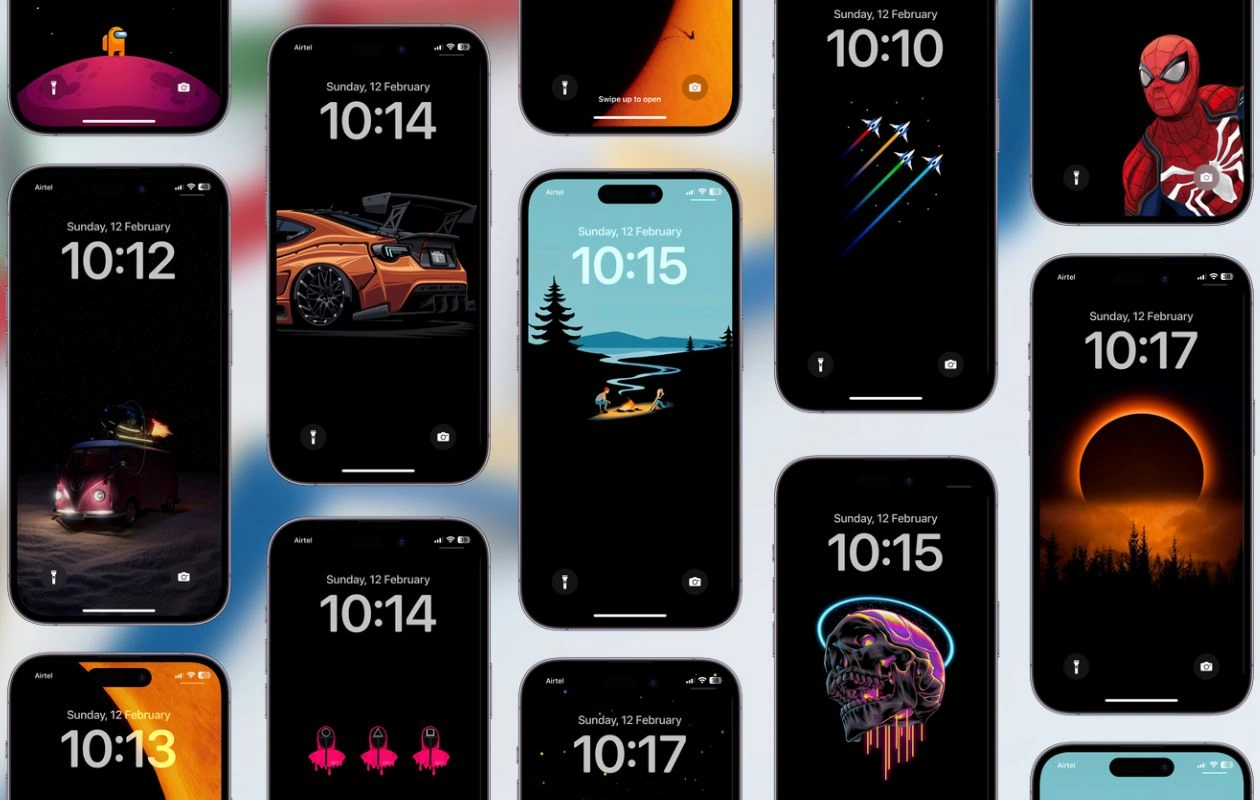
iPhone Black Wallpaper: If you’re a fan of minimal home screen designs and seeking dark aesthetic wallpapers, our collection of true black iPhone wallpapers is perfect for you. With 42 stunning black backgrounds to choose from, you’re sure to find one that suits your style.
Each wallpaper is optimized for iPhone OLED displays, ensuring better power efficiency compared to lighter wallpapers. You can download these true black wallpapers for both iPhone and Android devices.
The wallpapers are specifically designed for OLED screens, which means they work best on Google Pixel phones, Samsung Galaxy devices, iPhone 11 Pro series, iPhone 12, and newer models, including the iPhone 16 series. While they can also be used on non-OLED phones, they won’t provide the same battery-saving benefits.
This collection of 42 black backgrounds is sourced from the r/amoledbackgrounds subreddit on Reddit, where dark wallpaper enthusiasts share their favorites. All images are available in a resolution of 1170 x 2532 pixels. You’ll find the download link for each wallpaper beneath its preview. Make sure to check out the subreddit for more!
Beach iPhone Black Wallpaper














The Future of Black Wallpapers: A Trend That’s Here to Stay
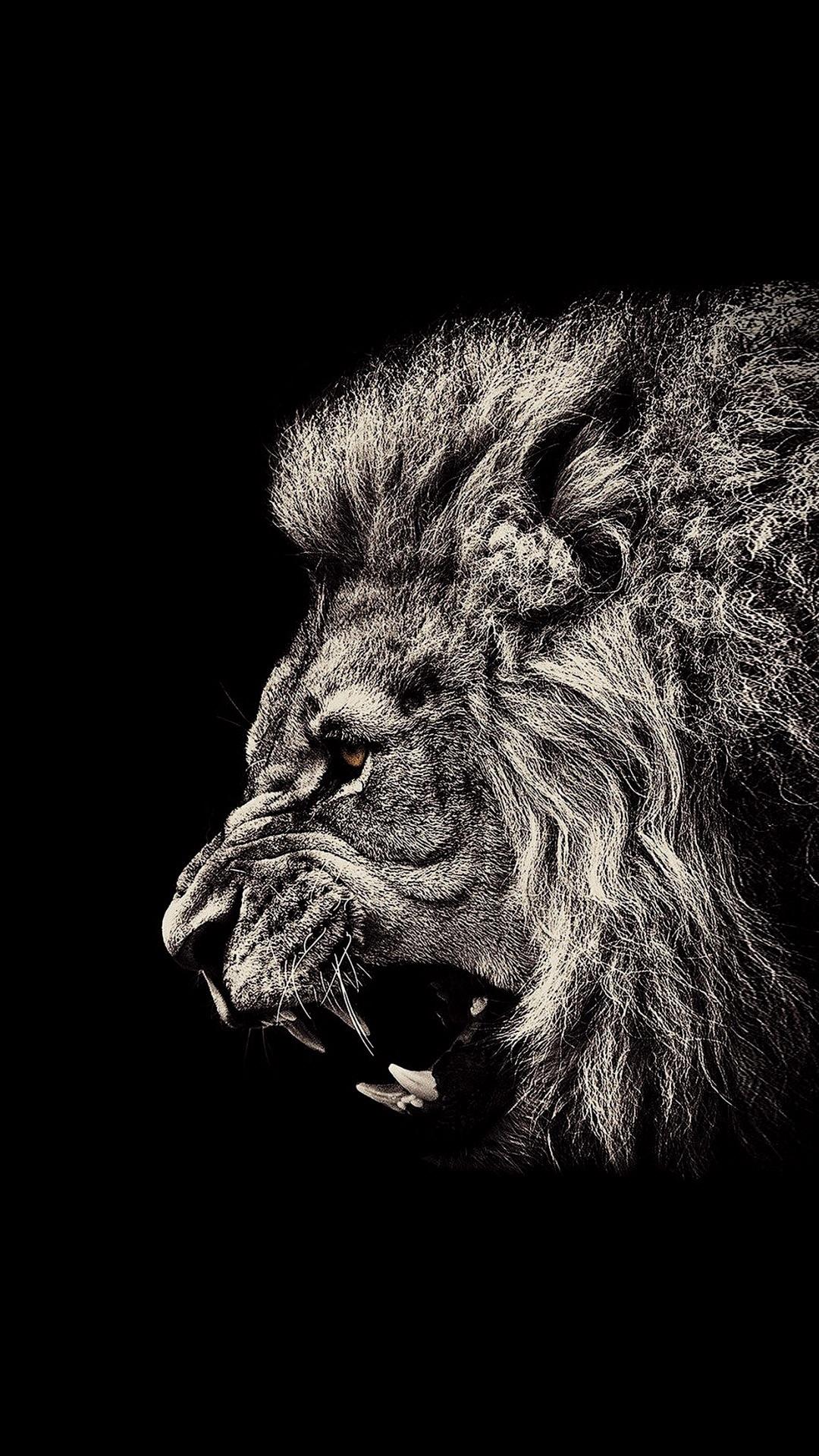
The trend of iPhone black wallpaper shows no signs of slowing down. In fact, as OLED technology becomes more prevalent in mobile devices, the use of dark themes and black backgrounds is only expected to grow. It’s not just a trend—it’s a style choice that reflects a desire for simplicity, elegance, and functionality.
Frequently Asked Questions
Why should I choose a black wallpaper for my iPhone?
A black wallpaper provides a sleek, minimalist aesthetic that complements the elegant design of your iPhone. It enhances the visual appeal by making the icons and text stand out while also offering a clean, distraction-free look. Additionally, black wallpapers can improve battery life on OLED screen devices by using less power to display darker pixels.
How does a black wallpaper affect battery life on my iPhone?
For iPhones with OLED displays, using a black wallpaper can extend battery life. OLED screens light up individual pixels, so dark areas use less energy. Since black pixels are essentially “off,” your phone will consume less power when displaying dark wallpapers compared to brighter ones.
Can I customize a black wallpaper with patterns or textures?
Yes! You can customize a black wallpaper by adding subtle patterns, textures, or even abstract designs in shades of gray, white, or metallic tones. This keeps the overall black theme while giving your wallpaper a unique and personal touch.
Are there any apps to help me find or create black wallpapers for my iPhone?
Yes, there are several apps like “Vellum,” “Walli,” and “Unsplash” that provide high-quality black wallpapers, as well as tools to customize them. These apps allow you to search for dark-themed wallpapers or create your own black wallpapers with added designs and effects.
How can a black wallpaper enhance my iPhone’s visual appeal?
A black wallpaper creates a sophisticated and modern look, emphasizing the device’s sleek design. It draws focus to the icons and widgets, making them appear more vibrant against the dark background. Moreover, black wallpapers are versatile and can match any style, whether you’re going for a minimalist, luxurious, or artistic look.
Conclusion
To wrap up, iPhone black wallpaper is more than just a background for your phone—it’s a powerful design choice. It’s sleek, sophisticated, and practical. From saving battery life to creating a minimalist vibe, there’s no reason not to embrace black as your phone’s backdrop. Whether you prefer solid black, textured designs, or something more artistic, there’s an option out there for everyone.