

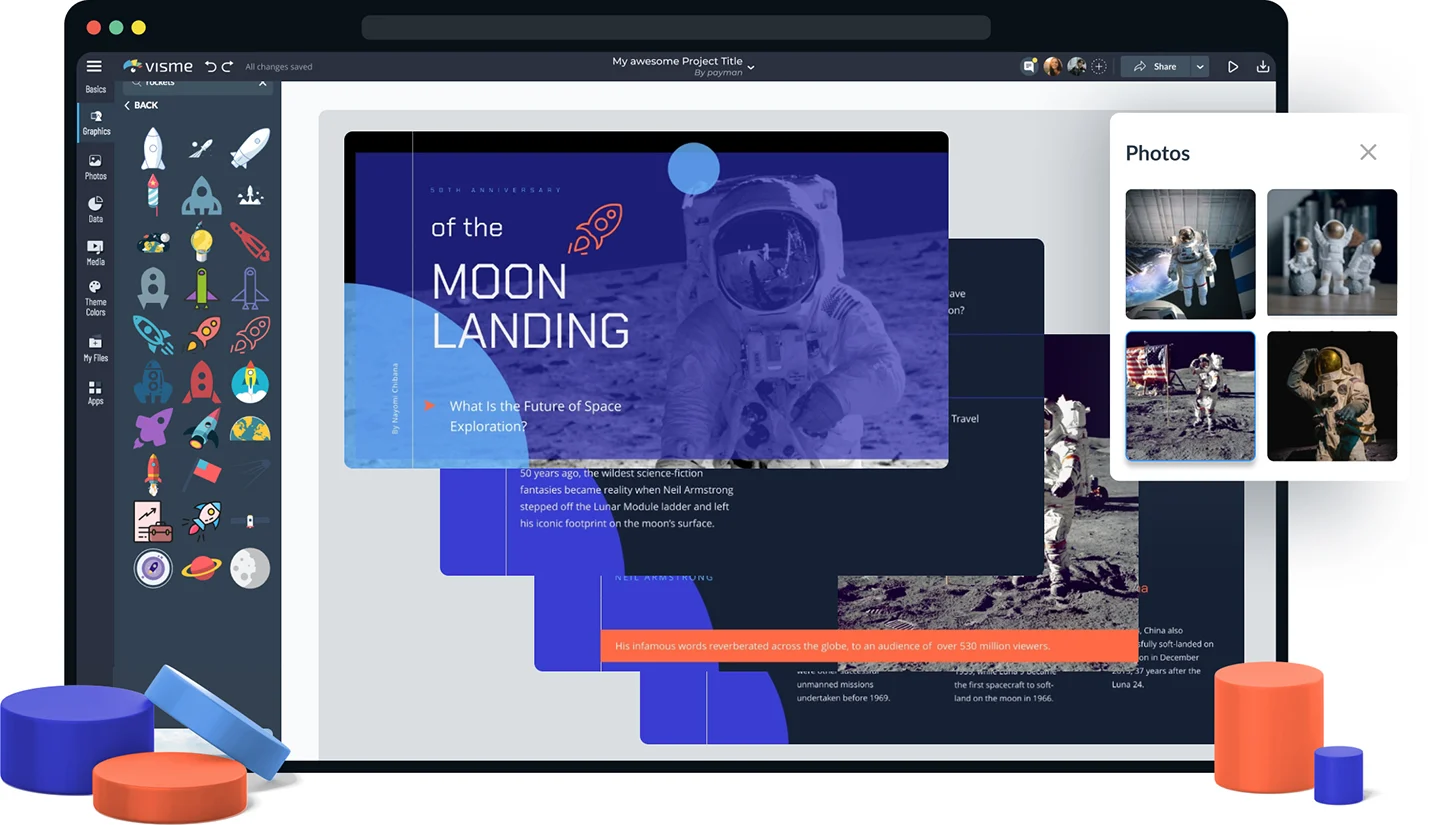

Slideshows are more than just a collection of images—they tell a story. Whether it’s a wedding, a family vacation, or a professional presentation, a well-crafted slideshow brings your moments to life in a visually engaging way.
But not everyone wants to invest in expensive software. That’s where free slideshow makers come in. They provide the tools you need without the cost, allowing you to create high-quality slideshows effortlessly.
In this guide, we’ll explore the best free slideshow makers, their features, how to use them effectively, and essential tips to make your slideshows stand out.
Why You Need a Free Slideshow Maker
A Cost-Effective Solution
Professional video editing software can be pricey; not everyone needs advanced editing tools. Free slideshow makers offer an affordable alternative without compromising on quality.
Simple & Easy to Use
Many free slideshow makers are designed for beginners, with intuitive drag-and-drop features that make the process effortless. Even if you’ve never edited a video, these tools make creating a professional-looking slideshow in minutes easy.
Perfect for Any Occasion
Whether you’re creating a birthday montage, a business presentation, or a social media highlight reel, slideshow makers offer customizable templates to suit any occasion.
Share & Save Your Memories
Slideshows allow you to preserve precious moments in an interactive format. Easy export options will enable you to share them on social media, send them to family, or save them for future viewing.
Key Features of a Great Free Slideshow Maker
Not all free slideshow makers are created equal. Here’s what to look for when choosing the right one:
User-Friendly Interface
A good slideshow maker should have a simple, drag-and-drop interface so users of all skill levels can easily create engaging videos.
Variety of Templates & Themes
Pre-designed templates and themes help you quickly create a professional-looking slideshow without starting from scratch.
sound & Sound Options
Sound enhances the emotional appeal of a slideshow. The best slideshow makers offer a background sound library or allow you to upload your audio tracks.
Customizable Effects & Animations
From smooth transitions to text overlays and motion effects, customization options add a creative touch to your slideshow.
Easy Export & Sharing
A great slideshow maker should allow you to download high-resolution videos and share them easily on platforms like YouTube, Facebook, and Instagram.
Top Free Slideshow Makers You Should Try
1. Canva
- Why it’s excellent: Canva offers a simple drag-and-drop interface with ready-made templates.
- Best for: Beginners who want quick, stylish slideshows.
- Features: Customizable fonts, animations, and royalty-free sound.
- Limitations: The free version includes a watermark on some elements.
2. Adobe Express
- Why it’s excellent: Professional-quality results with an easy-to-use editor.
- Best for: Creators who want premium features without a subscription.
- Features: Built-in stock media, smooth transitions, and animated effects.
- Limitations: Full access to an Adobe account is required.
3. InVideo
- Why it’s excellent: AI-assisted slideshow creation with innovative templates.
- Best for Marketing videos, social media content, and personal projects.
- Features: Pre-built templates, text-to-video AI, and voiceover options.
- Limitations: The free version includes a watermark.
4. Renderforest
- Why it’s excellent: Cloud-based video editing with stunning slideshow templates.
- Best for: Professional slideshows for business, education, and events.
- Features: HD rendering, sound library, and branding tools.
- Limitations: The free version has limited export options.
5. Kapwing
- Why it’s excellent: Online collaborative editing with no software installation.
- Best for: Team projects and social media-friendly slideshows.
- Features: Real-time editing, meme generator, and GIF support.
- Limitations: The free version has export limitations.
How to Create a Stunning Slideshow (Step-by-Step Guide)
1. Select Your Slideshow Maker
Choose a platform that best suits your needs—personal use, business, or social media content.
2. Upload Your Photos & Videos
Select high-quality images that tell a compelling story. Arrange them in chronological order or in a way that flows naturally.
3. Choose a Theme & Customize
Pick a template that matches the mood of your slideshow—whether elegant, fun, or professional. Customize fonts, colors, and layouts.
4. Add sound & Sound Effects
Choose a background track that enhances the mood of your slideshow. Make sure the audio doesn’t overpower the visuals.
5. Apply Transitions & Effects
Use smooth transitions to make the slideshow flow seamlessly. For extra engagement, add text overlays, animations, and zoom effects.
6. Preview & Edit
Review your slideshow before finalizing. Make any necessary adjustments to timing, effects, or text placement.
7. Export & Share
Save your high-resolution slideshow and share it on social media, email, or video platforms like YouTube.
Tips to Make Your Slideshow Stand Out
- Keep it short and engaging – Avoid overly long slideshows.
- Use high-resolution images – Clear, sharp visuals enhance quality.
- Choose the right sound – Background sound should complement, not distract.
- Avoid excessive effects – Subtle transitions look more professional.
- Personalize with captions – Add context or messages to your slides.
FAQs
Are free slideshow makers free?
Yes, most tools offer a free version with basic features. However, some may include watermarks or export limitations.
Can I add my sound to a slideshow?
Yes, most slideshow makers allow you to upload custom audio tracks.
What’s the best format to export my slideshow?
MP4 is the most widely supported format for social media and devices.
Do free slideshow makers work on mobile?
Many platforms like Canva and Adobe Express have mobile apps for on-the-go editing.
Can I edit my slideshow after exporting?
Most tools do not allow editing after export, so save a draft project permanently.
Conclusion
A free slideshow maker is the perfect tool to turn your photos into a visually stunning story. Whether for personal memories, business presentations, or creative projects, these tools provide potent features without the cost.
If you’re ready to create your first slideshow, start with one of the best free tools mentioned above. Experiment, customize, and bring your moments to life with ease!
