

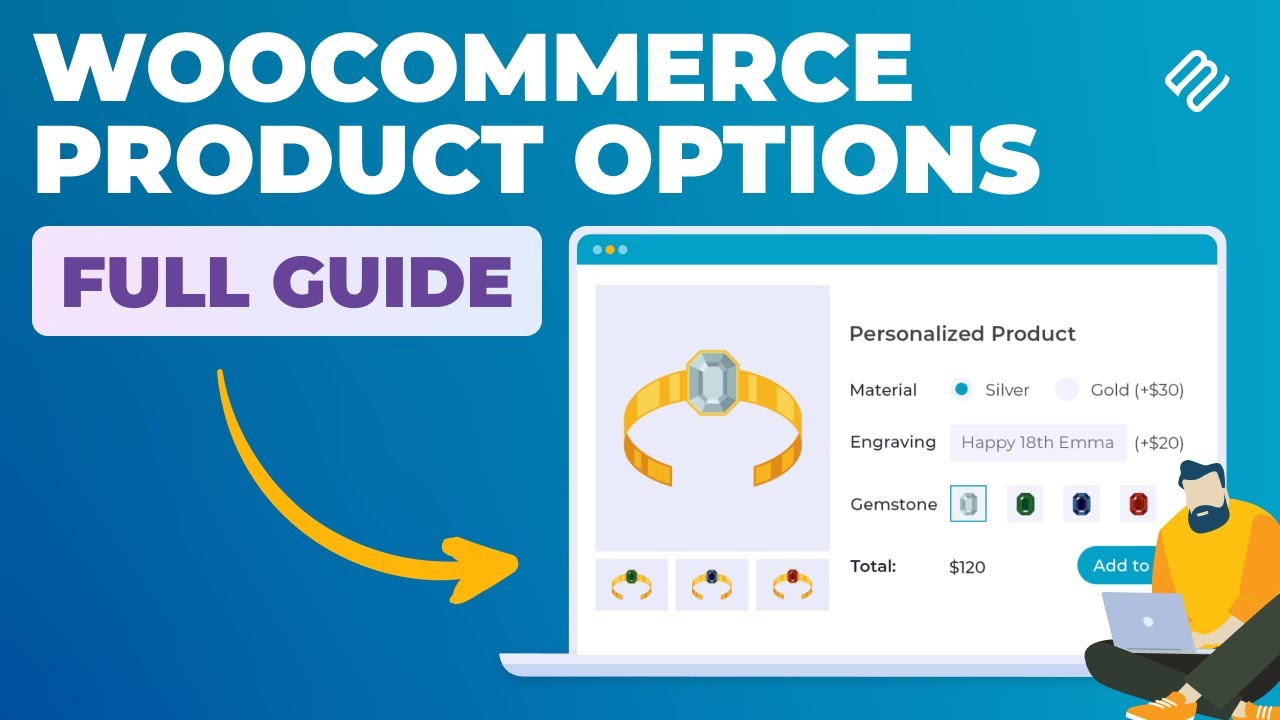
When running a WooCommerce store, product personalization is often a key factor in converting visitors into buyers. You might want to let customers select specific options, like gift wrapping, color choices, or custom text. The challenge is showing only relevant options to avoid cluttering your product pages or confusing shoppers.
Some store owners try coding solutions, custom themes, or even manual workarounds to achieve this, but these approaches are often time-consuming, require technical knowledge, and are difficult to maintain as your store grows.
A more efficient approach is to use conditional WooCommerce product options. These advanced product fields let you automatically show or hide options based on what a customer selects. This ensures a clean, intuitive shopping experience while offering all the personalization options your customers expect.
What Are Conditional Product Options?
Conditional WooCommerce product options are advanced product fields for WooCommerce that appear or disappear based on the choices customers make. Rather than cluttering your product page with unnecessary fields, conditional logic ensures that only relevant options are visible. This improves user experience, reduces confusion, and can increase conversion rates.
Instead of manually coding logic or modifying templates, you can set up conditions such as:
- Show or hide fields based on a dropdown selection.
- Enable options only for certain variations, categories, or products.
- Display addons depending on user roles, like registered users or guests.
- Reveal fields dynamically when other options are checked, unchecked, or chosen.
Why Conditional Logic Matters
There are multiple solutions for managing product fields: you could rely on theme-based solutions, custom coding, or basic WooCommerce settings. However, these are often limited in flexibility and can require ongoing maintenance. Using a plugin for conditional product options simplifies this process. It allows you to:
- Keep product pages clean and user-friendly.
- Reduce errors by preventing irrelevant selections.
- Offer more personalized options without overwhelming the customer.
- Increase revenue by upselling addons when relevant conditions are met.
How Extendons Product Addons Handles Conditional Options
The WooCommerce Product Addons by Extendons makes conditional logic intuitive. You can set rules across 19 types of product fields, including text, checkboxes, radio buttons, dropdowns, color swatches, and file uploads. Some key capabilities include:
- Create rules that show or hide fields based on previous selections.
- Apply conditional logic across multiple products or categories.
- Control visibility for different user roles.
- Combine multiple conditions in a single rule for complex setups.
- Manage stock and pricing even for conditionally displayed options.
This functionality ensures your WooCommerce store provides advanced product fields for WooCommerce without the need for coding. Customers interact with only the options they need, making the buying experience seamless and enjoyable.
Real-World Use Cases
- Gift Customization: Show gift wrap, messages, or ribbons only when customers opt-in for a premium gift box.
- Personalized Apparel: Display text input fields for names or initials only when specific sizes or styles are selected.
- Build-Your-Own Products: Reveal accessory or component options when a main product feature is chosen.
- Dynamic Pricing: Automatically calculate prices for conditional options without extra setup, including fixed, percentage-based, or quantity-based fees.
Setting It Up in WooCommerce
- Install and activate the Extendons Product Addons plugin.
- Go to WooCommerce > Settings > Product Addons.
- Add a new rule or edit an existing one.
- Select the field to apply conditional logic.
- Define the condition – for example, show a file upload field if “Custom Design” is selected.
- Save the rule and test on the product page to ensure it works as expected.
W
With this setup, you can deliver highly customized shopping experiences while keeping your store organized and visually appealing.
Conclusion
Conditional WooCommerce product options are essential for stores that want to offer personalized products or multiple variations without overwhelming their customers. While coding solutions or theme customizations are possible, they often require technical knowledge and maintenance, which can slow down your store’s growth. A plugin like Extendons simplifies this process, letting you create advanced product fields for WooCommerce quickly and efficiently.
Here’s a quick recap of what you can achieve with conditional product options:
- Show or hide fields automatically based on customer selections
- Offer multiple types of input fields, including text, dropdowns, color swatches, and more
- Set dynamic pricing for different options without manual calculations
- Manage stock and user roles for product options
- Improve the overall shopping experience and reduce checkout confusion
By using a plugin, you empower your store to be more intuitive, flexible, and scalable. Investing in the right solution ensures your customers can customize their products effortlessly, making them more likely to complete purchases and return for future orders.
Don’t let complex coding slow you down; let a plugin handle the heavy lifting while you focus on growing your WooCommerce business.
