

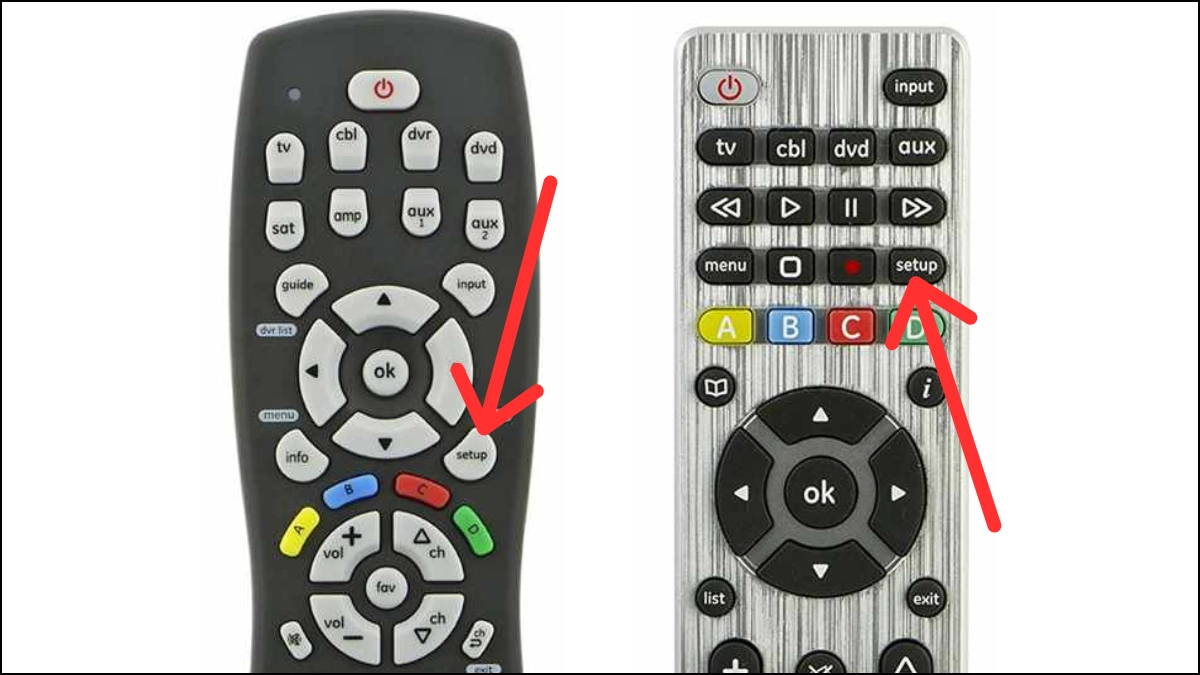
Sanyo Universal Remote Codes are a game-changer, allowing you to control multiple devices with ease. However, finding the right remote codes and pairing the remote with your devices can be tricky for many users. Whether you’re searching for Sanyo TV remote codes or need guidance on how to program a universal remote to your Sanyo TV, this guide will help you every step of the way.
Just like any other electronic device, the Sanyo TV remote can malfunction for various reasons. Fortunately, if you have a universal remote, you can use it as a backup. Since Sanyo TV remote codes differ depending on the brand of your universal remote, continue reading to discover the complete list of codes.
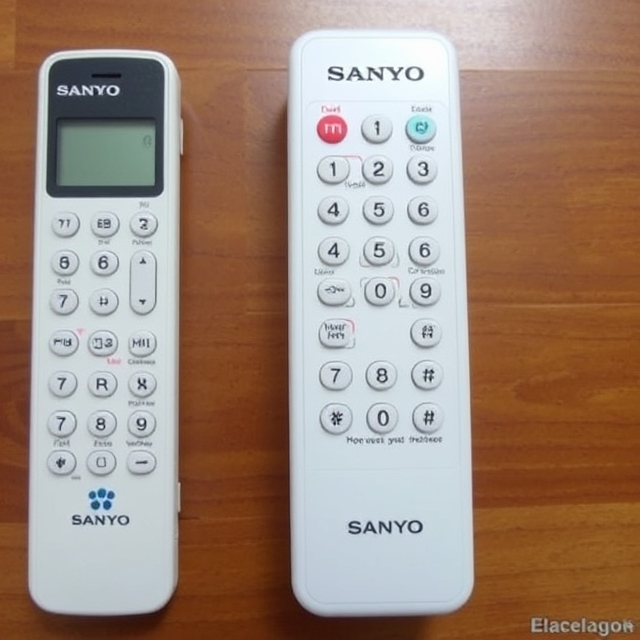
Sanyo TV Remote Codes
Here’s the table for the Sanyo TV universal remote codes:
| 3-Digit Universal Remote Codes | 4-Digit Universal Remote Codes | 5-Digit Universal Remote Codes |
|---|---|---|
| 590 | 1208 | 11142 |
| 535 | 1142 | 11362 |
| 645 | 1585 | 11756 |
| 542 | 0208 | 10885 |
| 683 | 1362 | 12434 |
| 611 | 2461 | 13488 |
| 726 | 4168 | 12049 |
| 517 | 2676 | 13547 |
| 627 | 1647 | 13183 |
| 661 | 3096 | 10706 |
| 651 | 4667 | 10735 |
| 840 | 0054 | 10088 |
| 533 | 1667 | 10154 |
| 000 | 0292 | 10799 |
| 781 | 0037 | 10146 |
| 722 | 0154 | 11785 |
| 621 | 0556 | 10159 |
| 471 | 0036 | 10232 |
| 090 | 0170 | 10036 |
| 528 | 0370 | 10484 |
| 818 | 1037 | 10798 |
| 656 | 0508 | 11907 |
| 761 | 0412 | 10054 |
| 674 | 0009 | 10037 |
| 500 | 0339 | 11276 |
| 514 | 1649 | 10893 |
| 652 | 0108 | 11480 |
| 720 | 0163 | 11564 |
| 601 | 0486 | 10815 |
| 589 | 1163 | 10250 |
| 004 | 1149 | 10107 |
| 038 | 0373 | 15545 |
| 897 | 2279 | 10631 |
| 049 | 0264 | 19740 |
| 097 | 2434 | 14972 |
| 110 | 1756 | 19332 |
| 081 | 3715 | 10929 |
| 268 | 0885 | 19617 |
| 012 | 0157 | 16513 |
| 048 | 2049 | 14398 |
| 050 | 3866 | 14675 |
| 080 | 0706 | 11612 |
| 107 | 0088 | 11764 |
| 108 | 0011 | 17560 |
| 162 | 0799 | 18924 |
| 169 | 4740 | 12653 |
| 180 | 0893 | 12878 |
| 073 | 0735 | 17415 |
| 181 | 1480 | 13577 |
| 099 | 3488 | 11454 |
| 063 | 4024 | 12360 |
| 184 | 1588 | 10663 |
| 173 | 1365 | 15953 |
| 159 | 1564 | 19655 |
| 154 | 1652 | 10005 |
| 146 | 3183 | 13001 |
| 232 | 4398 | 11514 |
| 208 | 0217 | 11818 |
| 252 | 3864 | 13419 |
| 147 | 3697 | 12284 |
| 042 | 3861 | 12264 |
| 157 | 1645 | 10650 |
| 011 | 1196 | 12253 |
| 036 | 0049 | 11780 |
| 072 | 0097 | |
| 007 | 0110 | |
| 166 | 0081 | |
| 387 | 0004 | |
| 031 | 0012 | |
| 053 | 1161 | |
| 057 | 5261 | |
| 082 | 2981 | |
| 187 | 2891 | |
| 020 | 5251 | |
| 239 | 1741 | |
| 511 | 2991 | |
| 750 | 3051 | |
| 266 | 0001 | |
| 657 | 0801 | |
| 017 | 2871 | |
| 021 | 1051 | |
| 039 | 5241 | |
| 056 | 1261 | |
| 104 | 1531 | |
| 353 | 1581 | |
| 355 | 1911 | |
| 356 | 2881 | |
| 376 | 3481 | |
| 052 | 5001 | |
| 077 | 6171 | |
| 089 | 0178 |
| GE Universal Remote Codes for Sanyo TV | RCA Universal Remote Codes for Sanyo TV |
|---|---|
| 0049 | 021 |
| 0180 | 180 |
| 0108 | 169 |
| 0012 | 004 |
| 0268 | 162 |
| 0081 | 196 |
| 0110 | 048 |
| 0097 | 080 |
| 0004 | 057 |
| 5018 | 017 |
| 5014 | 056 |
| 5001 | 077 |
| 5430 | 049 |
| 5139 | 058 |
| 5412 | 089 |
| 5407 | 039 |
| 5234 | 052 |
| 5233 | 107 |
| 5224 | 073 |
| 5191 | 4398 |
| 5089 | 3697 |
| 5055 | 2434 |
| 5052 | 1480 |
| 5038 | 0706 |
| 5034 | 1142 |
| 5029 | 0088 |
| 5022 | 1362 |
| 5151 | 0054 |
| 5138 | 1756 |
| 5118 | 3861 |
| 5032 | 0799 |
| 2049 | |
| 0893 | |
| 0154 | |
| 3488 | |
| 3183 | |
| 0885 | |
| 14398 | |
| 13183 | |
| 12434 | |
| 13488 | |
| 11756 | |
| 11564 | |
| 11480 | |
| 11362 | |
| 11785 | |
| 10885 | |
| 10054 | |
| 11142 | |
| 12049 |
Steps to Program a Universal Remote to Sanyo TV (Manual Method)
- Turn on Your Sanyo TV
- Use the power button on your TV to turn it on. If your TV is already on, proceed to the next step.
- Prepare the Universal Remote
- Insert fresh batteries into your universal remote if you haven’t done so already.
- Enter Programming Mode on the Universal Remote
- On the universal remote, press and hold the TV button (or the button corresponding to your device, such as “DVD” or “AUX”). Hold it down until the indicator light stays on, then release the button. The indicator light should stay on.
- Enter the Code for Sanyo TV
- Using the number keypad on the remote, enter the 3-digit, 4-digit, or 5-digit code for Sanyo TV (you can find these codes in the manual or the provided list). After entering the code, the indicator light will turn off.
- If the code was accepted, you can proceed to the next step.
- If the indicator light flashes and then stays on, it means the code was not correct. In this case, repeat the process with the next code.
- Test the Remote
- Aim the universal remote at your Sanyo TV and press the Power button. If your TV turns off, the programming was successful.
- If the TV doesn’t turn off, repeat the steps with a different code from the list.
- Complete the Setup
- Once your TV responds to the remote, your Sanyo TV is successfully programmed.
- If you’d like to program other devices (like a DVD player), repeat the steps using the appropriate device button (e.g., DVD, AUX), and use the corresponding codes for those devices.
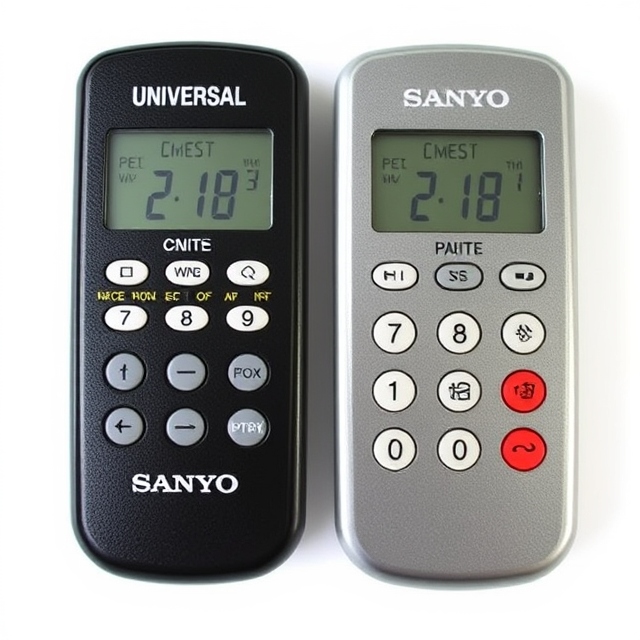
Common Problems and How to Fix Them
Let’s be honest: sometimes things don’t go as planned. The code might not work, or the remote might not sync with the TV. Don’t throw in the towel just yet! Here are some common issues and how to solve them.
The Code Doesn’t Work
If the Sanyo Universal Remote codes aren’t working, it could be for a few reasons. First, make sure the batteries in your remote are fresh. Old or weak batteries can cause connection issues. If the problem persists, check to ensure you’re using the correct code from the list. Sanyo TVs may have several different codes, so keep trying!
Remote Stops Responding
Sometimes the remote might suddenly stop working after being programmed. A simple solution is to reset the remote. To do this, remove the batteries, press and hold the power button for 30 seconds, then replace the batteries. This should reset the remote, and you can start the programming process again.
Code Entry is Not Working
If the Sanyo Universal Remote code entry isn’t working, check if your remote has a “Code Search” feature. This feature allows the remote to automatically search for a compatible code. If you don’t have the code list handy, this is a great fallback option.
Advanced Troubleshooting Tips for Sanyo Universal Remote Codes
If you’ve tried everything and still can’t get your Sanyo TV to work with the universal remote, it’s time to get into some advanced troubleshooting. Let’s talk about the deeper issues that could be affecting your setup.
Double-Check the TV Input
Sometimes the issue isn’t with the remote or the codes—it’s with the TV itself. Make sure your TV is set to the correct input mode. If your Sanyo TV is on the wrong input channel, it might not respond to the remote. Use your TV’s buttons to check the input and ensure it’s set to the right one.
Ensure Compatibility
Not all universal remotes work with all Sanyo TV models. Some older models may require additional programming steps or specific codes not included in basic manuals. If you’re using an older Sanyo TV, consider visiting the manufacturer’s website for more detailed instructions on how to set up your universal remote.
Frequently Asked Questions
What are Sanyo Universal Remote Codes?
Sanyo Universal Remote Codes are a set of numeric codes used to program a universal remote control to work with Sanyo TVs. These codes allow the remote to control the power, volume, channels, and other functions of your Sanyo television.
How do I find the correct Sanyo Universal Remote Code for my TV?
To find the correct code, you can refer to the user manual that came with your universal remote, which should list the codes for Sanyo TVs. Alternatively, you can search online for a code list or use the auto-search function on your universal remote to find the right code.
What should I do if my Sanyo TV doesn’t respond to the universal remote?
If your Sanyo TV doesn’t respond, first check the battery of the remote and ensure it is correctly programmed. If the code entered is incorrect, try a different code for Sanyo TVs or use the remote’s auto-search function to automatically detect the correct code.
Can I use the same universal remote code for all Sanyo TV models?
While many Sanyo TV models share similar codes, it’s important to check the specific code list for your TV’s model number. Some older or unique models might require different codes, so ensure you are using the correct one for your model.
Are there any troubleshooting tips for using a Sanyo Universal Remote?
If your Sanyo TV isn’t responding after programming, try the following troubleshooting steps: ensure line-of-sight between the remote and the TV, replace the remote batteries, and re-enter the correct code. If all else fails, consult the remote’s user manual or try an alternative code list for Sanyo TVs.
Conclusion
Mastering Sanyo universal remote codes opens up a world of convenience for TV enthusiasts, allowing seamless control of various devices with a single remote. Whether you’re a tech novice or an experienced user, understanding these codes can significantly enhance your viewing experience. By following the simple steps outlined in this guide, you can easily program your Sanyo universal remote to work with a wide range of TVs and other electronics.
Remember, while the code lists provided are helpful, always ensure that you’re using the correct code for your device model. In case of issues, don’t hesitate to try alternate codes or troubleshoot using the auto-search method. With this comprehensive guide at your fingertips, controlling your devices has never been easier. So, whether it’s your Sanyo TV or another brand, you’re now equipped to enjoy uninterrupted entertainment with just the touch of a button!