

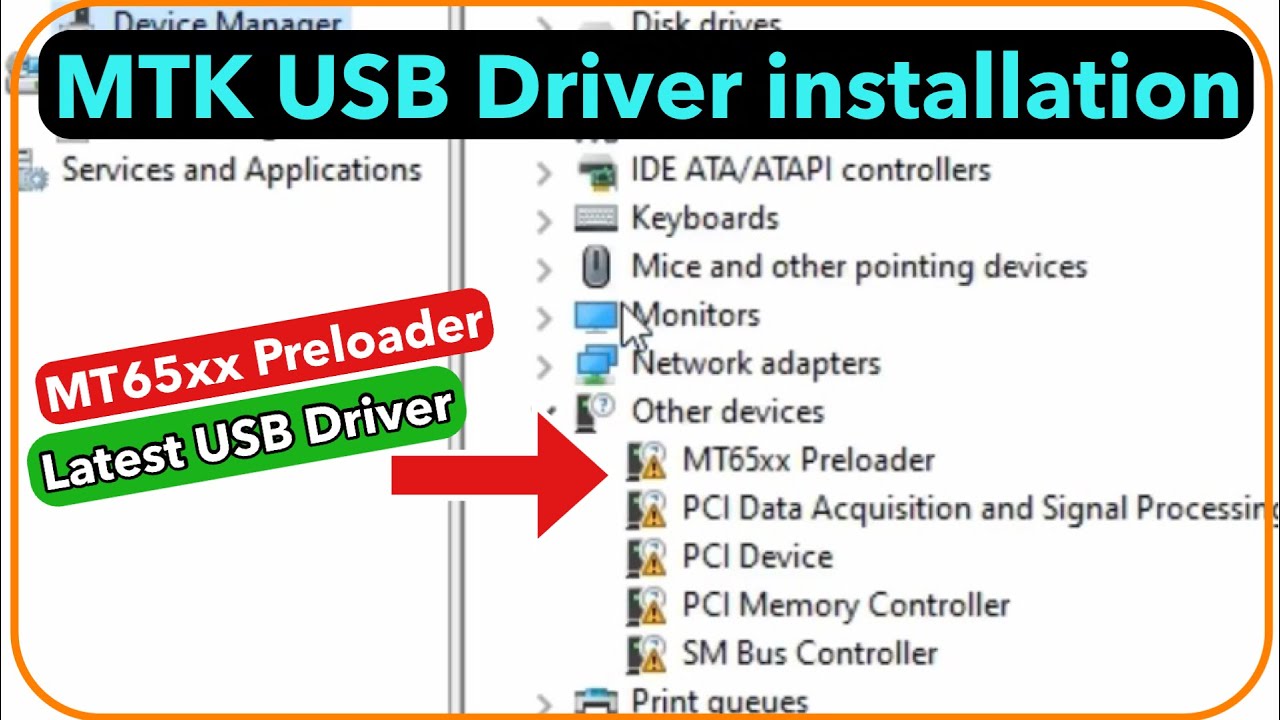
MTK Preloader Driver are essential for MediaTek smartphone users, providing a critical connection between the device and a Windows PC. Here, you can download MT65xx Preloader Drivers compatible with Windows 7, 8, 10, and 11, along with a detailed installation guide. If you’re unfamiliar with these drivers, this guide will be a valuable resource for you.
What are MT65xx Preloader Drivers?
MT65xx Preloader Drivers, also known as VCOM Drivers, enable a PC to recognize a MediaTek device even when it is powered off or without a battery. Unlike regular USB drivers, these are specifically designed for scenarios where a MediaTek phone needs to connect to a PC while in a switched-off state.
These drivers are crucial for detecting MediaTek devices on various flash tools, such as SP Flash Tool, allowing users to flash files or perform system modifications. They are especially useful if your device is stuck in a boot loop or frozen on the boot logo, ensuring seamless detection and connectivity between your phone and PC.
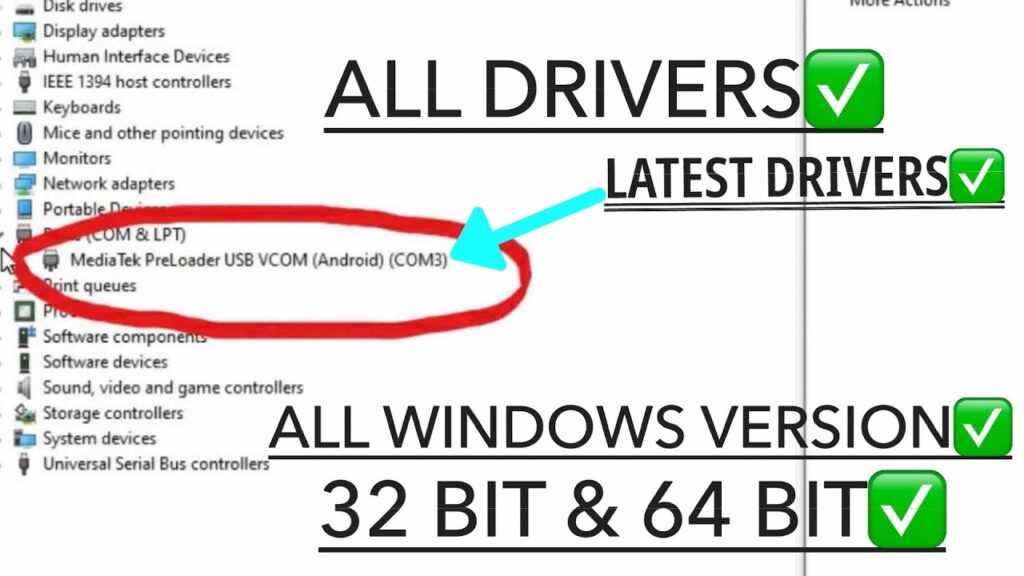
Key Features of MT65xx Preloader USB Driver
- Unbrick MediaTek Devices: This driver assists in reviving bricked MediaTek phones, such as those stuck in a bootloop. It facilitates a connection between the device and the PC, allowing recognition by flashing tools.
- Bootloader Unlocking: The MT65xx Preloader driver is crucial for unlocking the bootloader using specialized tools, streamlining the modification process of MediaTek devices.
- Firmware Flashing: It enables users to flash firmware on MediaTek smartphones, even if the device is in a non-functional or “dead” state.
- Firmware Backup: The driver also supports users in backing up the current firmware on their MediaTek phones, ensuring data safety before flashing or system modifications.
Understanding the utility of the MT65xx Preloader Driver highlights its importance for maintaining and modifying MediaTek devices. Below, you’ll find the download section for obtaining these drivers.
MT65xx Preloader Drivers Download
System Requirements:
- Operating System: Windows Vista, XP, 7, 8, 10, 11
- Architecture: Supports both 32-bit and 64-bit systems
- RAM: Minimum of 500 MB
How to Download and Install the MTK Preloader Driver
Ready to set up your own tech safety net? Follow this step-by-step guide to download and install the MTK Preloader Driver on your PC.
Step 1: Prepare Your PC
Before starting, ensure that your system is equipped to handle the installation. Disable any antivirus programs temporarily, as they can sometimes interfere with the process.
- Download the driver: Navigate to a reliable site to download the MTK USB Driver. Make sure you trust the source to avoid downloading malware.
- Extract the files: Once downloaded, extract the ZIP file to a folder where you can easily find it.
Tip: If you encounter issues with locating a trustworthy source, look for forums or official manufacturer websites for recommendations.
Step 2: Install the MTK Preloader Driver
- Open Device Manager: Press
Windows Key + Xand click on “Device Manager.” - Locate your device: If your phone is connected, it might appear as an unrecognized device. Right-click on it and select “Update driver.”
- Browse manually: Choose “Browse my computer for driver software” and navigate to the folder where you extracted the driver files.
- Install: Follow the prompts to complete the installation.
Warning: Always be cautious when installing drivers and ensure that they are compatible with your system to prevent issues.
Troubleshooting Installation Issues
Problem: The driver isn’t installing. Solution: Ensure that “Driver Signature Enforcement” is disabled on Windows 10 or 11. This can be done by booting your PC into a special startup mode and selecting the option to disable driver signature checks.

Understanding the MTK Preloader Driver’s Role in Device Recovery
Once the MTK Preloader Driver is installed, you gain the power to flash your device with new firmware using tools like SP Flash Tool or similar utilities. This can revive a device that’s stuck in a boot loop or experiencing software issues.
Key Functions
- Flashing Firmware: The driver ensures seamless data transfer between your PC and your device during firmware installation.
- Backup and Recovery: Allows for smooth backup and restoration operations.
- Unbricking Devices: One of the most crucial functions is to help unbrick your phone by reinstalling its firmware.
How to Use the MTK Preloader Driver for Flashing Firmware
Let’s take a look at how you can use the MTK Preloader Driver with the SP Flash Tool to flash your device:
- Connect Your Device: Plug your phone into your PC using a USB cable. Ensure the driver has been properly installed so your PC recognizes the device.
- Open SP Flash Tool: Load the scatter file (a configuration file) from the firmware package.
- Begin Flashing: Click “Download” and wait for the process to complete.
Important: Make sure your phone has at least 50% battery charge before starting to prevent interruptions.
Frequently Asked Questions
What is the MTK Preloader Driver and why is it important?
The MTK Preloader Driver is a software component used to establish a connection between a computer and an Android device powered by a MediaTek chipset. It is essential for facilitating data transfer, flashing firmware, and executing various operations such as unbricking devices and updating ROMs.
How do I install the MTK Preloader Driver on my computer?
To install the MTK Preloader Driver, you typically need to download the driver package from a trusted source, extract it, and follow the installation instructions. This often involves manually updating the driver in Device Manager by locating the driver file and allowing the system to install it.
What common issues might I encounter when using the MTK Preloader Driver?
Users might face issues such as the driver not being recognized by the system, connection failure between the device and the computer, or an “Unsigned Driver” error during installation. These can usually be resolved by enabling driver signature enforcement or troubleshooting with compatible driver versions.
Is it safe to install MTK Preloader Driver on my computer?
Yes, it is safe to install the MTK Preloader Driver if downloaded from a reputable source. Ensuring that the driver is obtained from an official or trusted site helps prevent the risk of malware or corrupted files.
Can the MTK Preloader Driver be used for all MediaTek devices?
The MTK Preloader Driver generally supports most Android devices that run on MediaTek chipsets, but compatibility may vary based on specific models and firmware versions. It’s recommended to verify if the driver is suitable for your particular device before proceeding with installation or device operations.
conclusion
The MTK Preloader Driver plays an indispensable role in connecting your MediaTek-powered Android device to a computer, enabling essential tasks such as flashing firmware, transferring data, and recovering bricked devices. By understanding the installation process, potential issues, and safety precautions, users can leverage this driver to enhance their device management and troubleshooting capabilities. Always ensure you download the driver from trusted sources and follow proper installation guidelines to maintain a secure and efficient connection. This essential tool bridges the gap between your computer and Android device, making complex operations more accessible and reliable.