

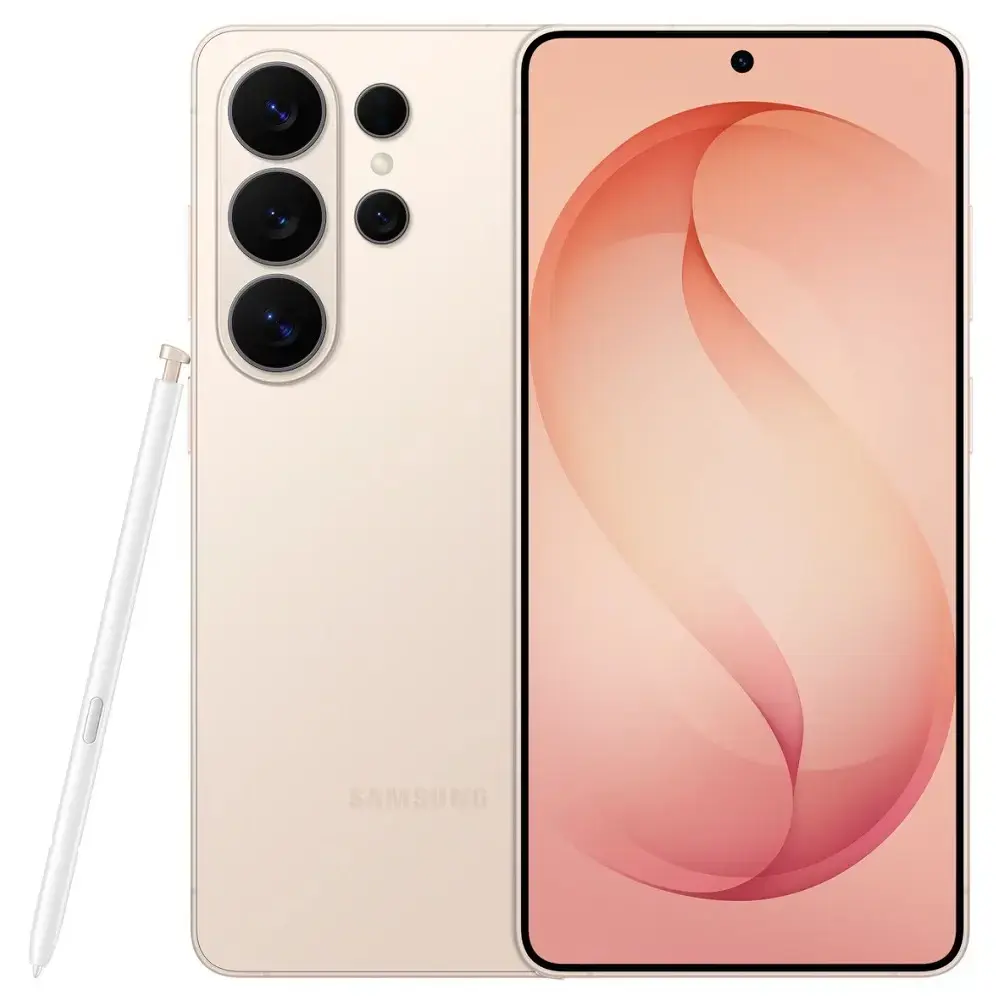
A new phone can make a gaming page feel smoother, but smooth animation does not change a random game’s underlying probability. Confusing those two ideas makes it easy to overvalue a device upgrade or believe that a slow connection caused a losing outcome.
For adults researching online slots where lawful, smartphone performance is best assessed as a question of access and usability. Can you read the rules, recognise the controls and tell whether an action was accepted? Those are useful technical questions. They should remain separate from the operator’s identity, account policies and the game’s published rules.
What phone performance actually affects
Device performance can affect how quickly a page draws, how fluidly it animates and how promptly the interface responds to input. Connection quality can affect how requests reach a service and how information returns.
These observations concern the interaction between your phone, the browser and the website. They do not by themselves establish how a game outcome is determined.
Imagine a hypothetical page that briefly freezes while opening a menu. That event suggests a responsiveness problem. It does not establish that the next game result became more or less favourable. A useful assessment keeps the observation within what it can support.
Avoid treating search labels as performance specifications
Gaming pages may use expressions such as slot gacor to suggest attractive outcomes. That phrase does not identify a processor requirement, memory requirement or verified probability advantage.
A page reached through a slot result still needs to state its supported browsers and explain its controls. Promotional language cannot answer those technical questions.
If a service claims to work on every phone, look for a compatibility explanation. Browser versions, operating systems and individual game features can differ. A general claim needs more detail before it becomes a reliable guide for your own device.
Distinguish loading from responsiveness
A page can appear quickly and still respond poorly when you tap a control. Conversely, a large initial download can be followed by a responsive interface. Both stages matter, but they describe different problems.
Google’s web.dev guide to Interaction to Next Paint explains a metric concerned with how a page responds to interactions. You do not need to calculate that metric to report a problem clearly. Describe the control, the delay and what appeared afterward.
For example, write that opening the rules menu took several seconds after a tap. Avoid calling the whole service unreliable based only on that observation. Technical evidence becomes more useful when it identifies a specific behaviour.
Record the conditions before comparing phones
A fair comparison needs consistent conditions. Comparing one device on home Wi-Fi with another on a weak mobile connection mixes two possible explanations for the difference.
Record the following details:
- Device model and operating system version.
- Browser name and version.
- Connection type and whether other activity was using it.
- The public page or feature being checked.
- The behaviour that appeared and whether it repeated.
Use public information pages for initial checks rather than financial actions. A device comparison does not require a deposit, and registration should not become a substitute for basic troubleshooting.
Read the error before changing settings
An error may mention maintenance, an unsupported browser or a temporary connection failure. Preserve the wording, because it can point toward a more useful next step than repeatedly reloading the page.
Reload once if appropriate, then look for published support information. Repeatedly tapping a consequential control is a poor way to learn whether the first tap was accepted.
Ask what happened to an interrupted action
If an account action appears to stop halfway through, consult the account history and the service’s support process. Do not assume that a missing animation means the action was cancelled.
Keep the time and reference number if one exists. A precise report helps support distinguish a display problem from an account-record question.
Keep graphics quality separate from game information
Detailed animation and sound can improve presentation, but the paytable remains the source for the game’s rules. Large visual effects may also make the total stake harder to notice on a small screen.
Before using a game, establish where it explains special symbols, feature costs and winning combinations. Check whether text stays readable when the phone is rotated or browser text is enlarged.
If optional effects can be reduced through a supported setting, that may improve comfort. Do not interpret the change as a method for improving outcomes. Reducing visual activity changes presentation, not the probability explanation in the rules.
What fair game testing concerns
Game fairness involves more than a smooth interface. The relevant questions include how outcomes are generated, what testing applies and which authority oversees the operator’s activity within its jurisdiction.
The UK Gambling Commission explains its approach to online game fairness, including software and gameplay testing within its regulatory remit. That explanation should not be read as certification of an unrelated website.
Where an operator claims a particular licence or testing arrangement, verify the claim with the named authority or testing source. A browser performance score cannot replace that evidence.
Use maintenance rather than risky workarounds
Keep the phone’s operating system and browser updated through their normal supported processes. Check available storage and close unrelated demanding tasks if they are interfering with ordinary use.
Avoid installing a supposed performance booster from an unexpected page. Be particularly cautious if a download asks you to disable protections, approve remote control or provide account credentials.
A legitimate technical explanation should describe which requirement is missing and why the proposed step addresses it. If the answer is simply to trust an unfamiliar installer, you still lack the information needed to decide.
A practical troubleshooting example
Suppose a hypothetical game lobby opens normally, but the help panel stays blank. The first useful report is that the public lobby loads while the help panel does not, on a named browser and device.
Check whether the same issue affects another non-financial page. If the service publishes browser requirements, compare them with your version. Send the exact findings to verified support.
If support asks you to fund the account before explaining the help-panel failure, request clarification. A payment should not be necessary merely to understand a technical requirement.
Frequently asked questions
Does a faster smartphone improve slot odds
A faster device can affect presentation and response time. It does not establish an improvement in a random game’s underlying odds.
Does a frozen animation mean a round was cancelled
Not necessarily. A display failure and an account record are different things. Check the service’s history and support process before repeating an action.
Should I buy a new phone to solve one website problem
First establish the cause. An unsupported feature, temporary outage or website defect may explain the issue without requiring new hardware.
Make technical checks answer technical questions
Smartphone performance matters when it helps you read information and use controls predictably. It becomes misleading when speed is presented as evidence of better game results or business reliability.
Record the conditions, describe the failure and use supported troubleshooting. Before continuing with an unfamiliar service, confirm its rules and identity independently. A clear technical diagnosis is more useful than a hardware purchase made on the strength of a promotional promise.