

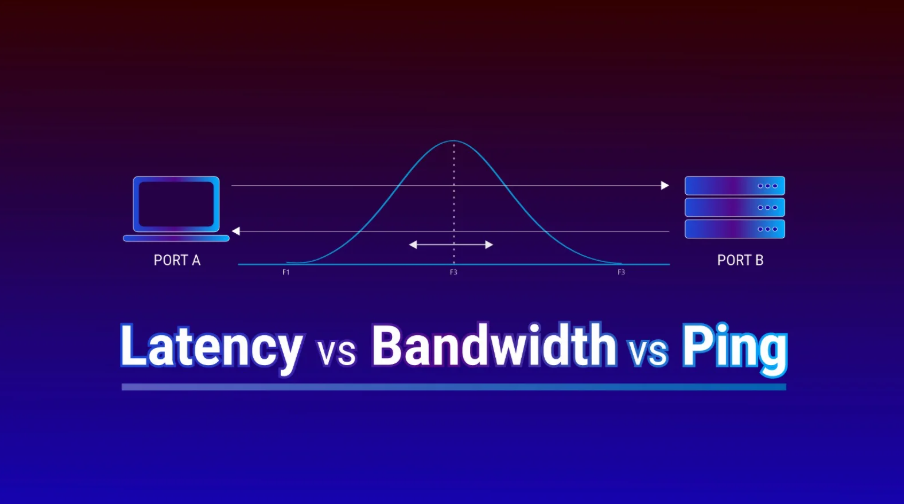
A fast internet plan does not always result in a fast-feeling internet connection. It is possible to have hundreds of megabits per second of download bandwidth while video calls lag, online games respond slowly, or websites occasionally hesitate.
The reason is simple: internet speed and network responsiveness measure different things.
Download and upload speeds describe how much data a connection can transfer. Ping, latency, jitter, and packet loss describe how quickly and reliably that data moves across the network.
Understanding the difference can make troubleshooting a slow or unstable connection much easier.
Internet Speed vs. Latency
Internet speed is usually expressed in megabits per second (Mbps). A 500 Mbps connection can theoretically transfer considerably more data per second than a 50 Mbps connection.
Latency measures something different. It represents the time required for data to travel from your device to another system and receive a response.
Latency is usually measured in milliseconds.
Consider two connections:
- Connection A: 100 Mbps download with 15 ms latency
- Connection B: 1 Gbps download with 120 ms latency
Connection B has ten times the available download bandwidth, but Connection A may feel considerably more responsive during interactive activities.
This distinction is particularly important for video conferencing, cloud applications, remote desktops, voice calls, and online gaming.
Why Can Ping Be High on a Fast Connection?
There are several reasons why a connection can deliver excellent download speeds while producing high latency.
Wi-Fi Conditions
Wi-Fi introduces an additional network segment between the device and router.
Distance, walls, neighboring wireless networks, channel congestion, and interference can all increase latency or make it inconsistent.
Testing the same connection over Ethernet can help determine whether Wi-Fi is contributing to the problem.
Network Routing
Internet traffic rarely travels directly from a device to its destination.
Packets may pass through numerous routers and networks. An inefficient route can substantially increase latency even when the local internet connection has plenty of available bandwidth.
This also explains why latency can vary depending on the destination.
A nearby server might respond in 10 milliseconds, while a server on another continent could require 100 milliseconds or more.
Network Congestion
When a network becomes heavily utilized, packets may have to wait before they can be transmitted.
This can happen within the home network, at the internet service provider, or farther along the route.
Congestion can be especially noticeable when other devices are performing large downloads, cloud backups, software updates, or high-resolution streaming.
Bufferbloat
Routers and other networking equipment temporarily store packets in buffers when traffic arrives faster than it can be transmitted.
Large buffers can prevent packet loss, but excessive buffering can significantly increase latency under load. This phenomenon is commonly called bufferbloat.
A connection may therefore show excellent download speed while latency increases dramatically whenever someone starts uploading or downloading a large file.
Jitter Matters Too
Average latency does not tell the entire story.
Jitter describes how much latency changes from one packet to another.
A connection consistently returning 25–30 ms is generally more predictable than one alternating between 10 ms and 150 ms, even if their average latency appears acceptable.
High jitter is particularly problematic for real-time communication because packets may arrive at irregular intervals.
If you are troubleshooting an inconsistent connection, it can be useful to test your internet connection quality and examine download speed, upload speed, ping, jitter, and packet loss together rather than focusing only on Mbps.
Packet Loss Can Make a Fast Connection Feel Slow
Internet communication is divided into packets of data.
Ideally, every packet reaches its destination. When packets are lost, applications may need to retransmit information.
For file downloads this may primarily reduce effective throughput. For real-time applications, however, packet loss can cause interrupted audio, frozen video, delayed responses, or visible quality degradation.
Packet loss can originate from Wi-Fi interference, overloaded network equipment, congestion, faulty hardware, or problems elsewhere on the network path.
How to Diagnose High Ping
A few simple comparisons can help identify where latency is being introduced.
First, compare Wi-Fi with a wired Ethernet connection when possible. If latency improves significantly over Ethernet, investigate the wireless network.
Next, test several destinations. High latency to one server but low latency to others may indicate a routing or destination-specific problem.
It is also useful to test the connection while the network is idle and again while another device is performing a large download or upload. A substantial increase in latency under load can indicate congestion or bufferbloat.
For more detailed troubleshooting, a traceroute can help identify the network path between your connection and a remote destination and show where latency begins to increase.
Don’t Judge a Connection by Mbps Alone
Bandwidth remains an important measure of internet performance, but it should not be interpreted as an overall quality score.
A good connection combines sufficient bandwidth with low and consistent latency, minimal packet loss, reliable routing, and stable local networking.
That is why a 100 Mbps connection can sometimes provide a better interactive experience than a 1 Gbps connection.
When diagnosing network problems, looking at multiple measurements together provides a much clearer picture than simply running a download test and checking the largest number on the screen.